Best Seller Icon Bestseller

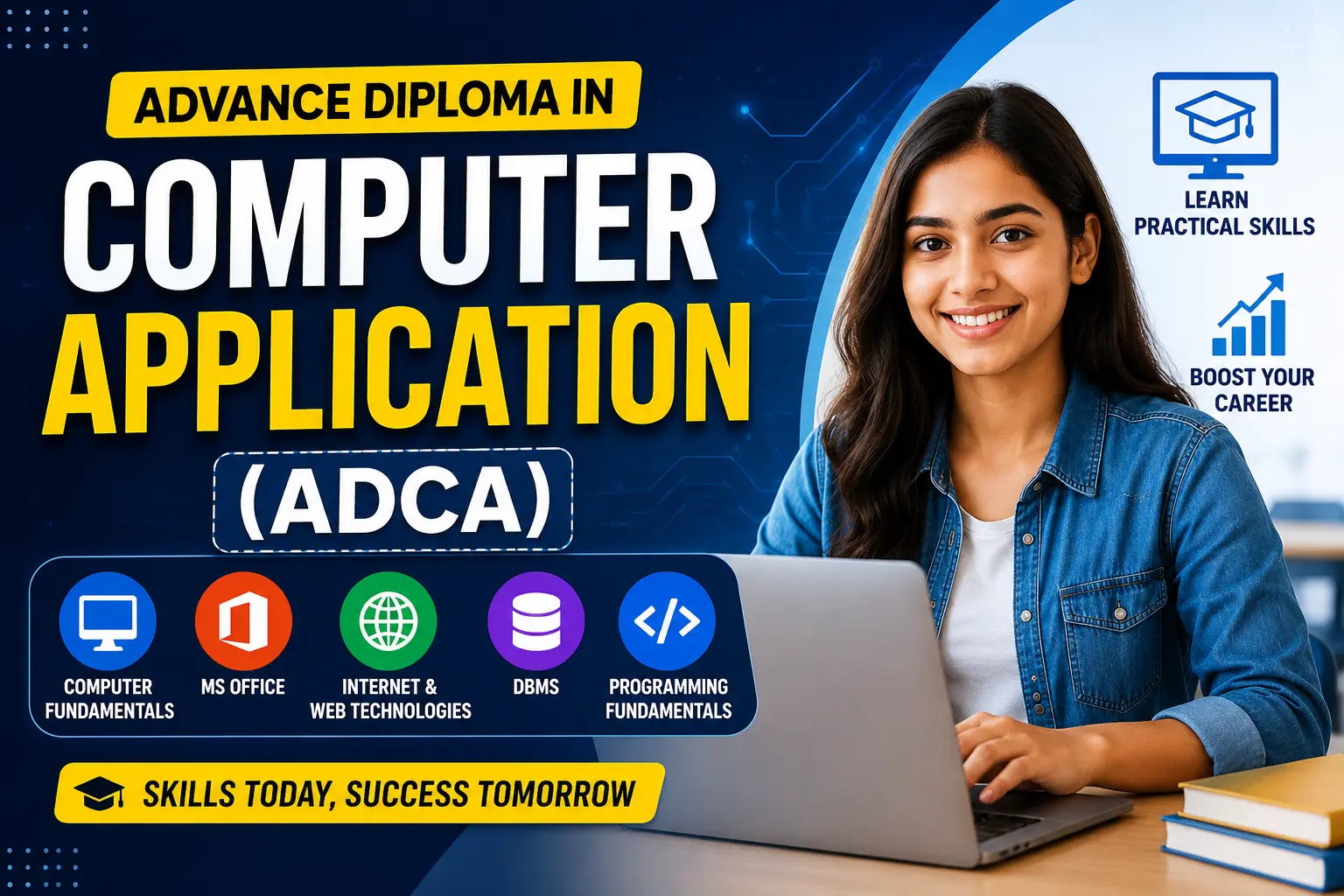
MICROSOFT OFFICE In computer application(M-MCA-2844)

  • Last updated Jun, 2026
  • Certified Course
₹6,000

Course Includes

  • Duration6 Months
  • Enrolled0
  • Lectures10
  • Videos0
  • Notes0
  • CertificateYes

What you'll learn

Microsoft Office Course

Master the essential Microsoft Office applications and build practical computer skills for school, college, office, and business use.

✅ Microsoft Word – Create professional documents, letters, resumes, and reports.

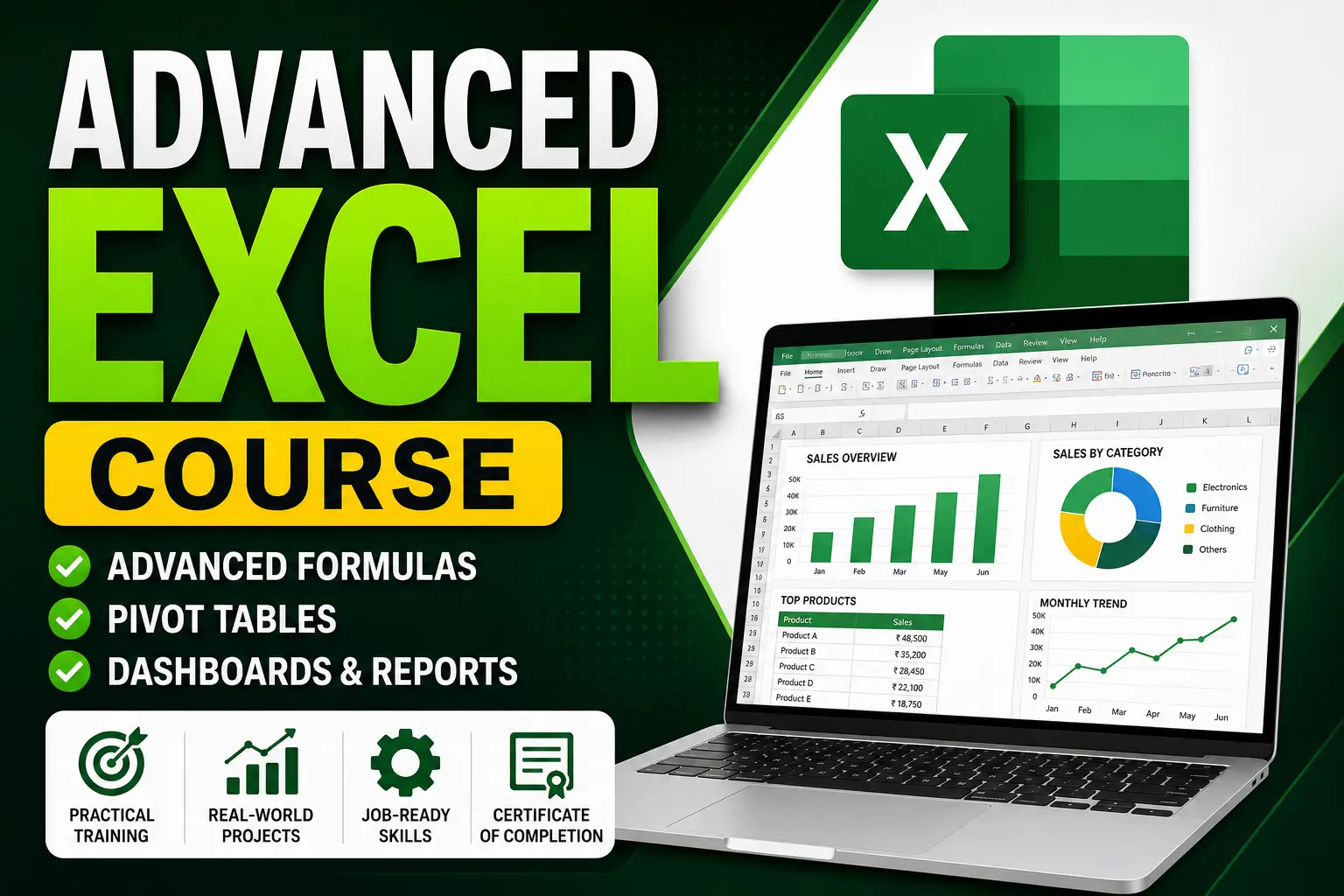
✅ Microsoft Excel – Learn formulas, calculations, charts, and data management.

✅ Microsoft PowerPoint – Design attractive presentations with animations and transitions.

✅ Microsoft Outlook – Manage emails, calendars, and schedules efficiently.

Course Features:

  • Beginner Friendly
  • Practical Training
  • Hands-on Projects
  • Certificate of Completion
  • Job-Oriented Skills
  • Expert Guidance

Join Today and Improve Your Digital Skills for a Better Career!

Show More

Course Syllabus

Microsoft Office Course Syllabus

Module 1: Computer Fundamentals

  • Introduction to Computers
  • Hardware & Software
  • Windows Operating System
  • File & Folder Management
  • Internet Basics

Module 2: Microsoft Word

  • Word Interface & Tools
  • Creating and Editing Documents
  • Formatting Text and Paragraphs
  • Page Setup & Layout
  • Tables and Shapes
  • Headers, Footers & Page Numbers
  • Mail Merge
  • Resume and Letter Creation
  • Printing Documents

Module 3: Microsoft Excel

  • Excel Interface
  • Rows, Columns & Worksheets
  • Data Entry and Formatting
  • Basic Formulas and Functions
  • AutoSum, IF, COUNT, MAX, MIN
  • Sorting and Filtering
  • Charts and Graphs
  • Conditional Formatting
  • Data Validation
  • Practical MIS Reports

Module 4: Microsoft PowerPoint

  • Creating Presentations
  • Slide Design & Layouts
  • Themes and Templates
  • Images, Audio & Video
  • SmartArt and Charts
  • Animations and Transitions
  • Slide Show Settings
  • Professional Presentation Design

Module 5: Microsoft Outlook

  • Email Account Setup
  • Sending and Receiving Emails
  • Attachments Management
  • Contacts Management
  • Calendar and Meetings
  • Email Etiquette

Module 6: Practical Projects

  • Professional Resume
  • Office Letter
  • Salary Sheet in Excel
  • Student Database
  • Sales Report
  • Business Presentation

Module 7: Productivity Tips

  • Keyboard Shortcuts
  • Time-Saving Techniques
  • Office Automation Features

Course Duration

  • 2 Months / 3 Months
  • Practical + Theory Classes

Certificate

✔ Course Completion Certificate

✔ Project-Based Training

✔ Job-Oriented Skills Development

Course Fees

Course Fees
:
₹6000/-
Discounted Fees
:
₹ 6000/-
Course Duration
:
6 Months

Review

0.0
Course Rating (0 reviews)
0%
0%
0%
0%
0%


Call
Text Message
Review
Email
CHAT